OnlyFans Tools and AI Tools: Build the Stack Around the Bottleneck
OnlyFans tools are the software a creator or agency runs an account with: an AI tool for chats, a fan CRM, a content library, analytics, agency management. The best stack is the smallest set that removes a real operating bottleneck without creating a new one elsewhere, so start from the work your team repeats every day.
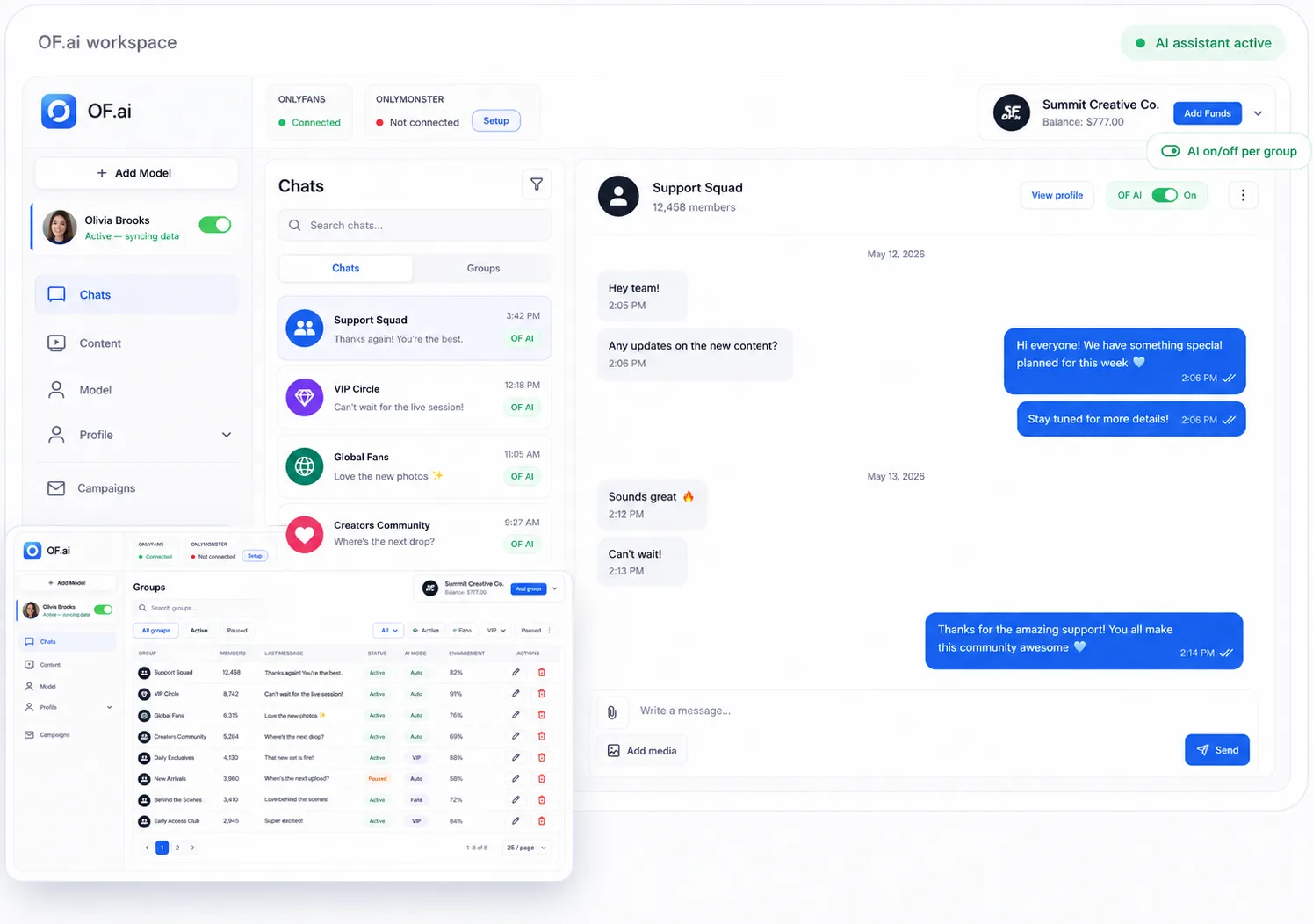
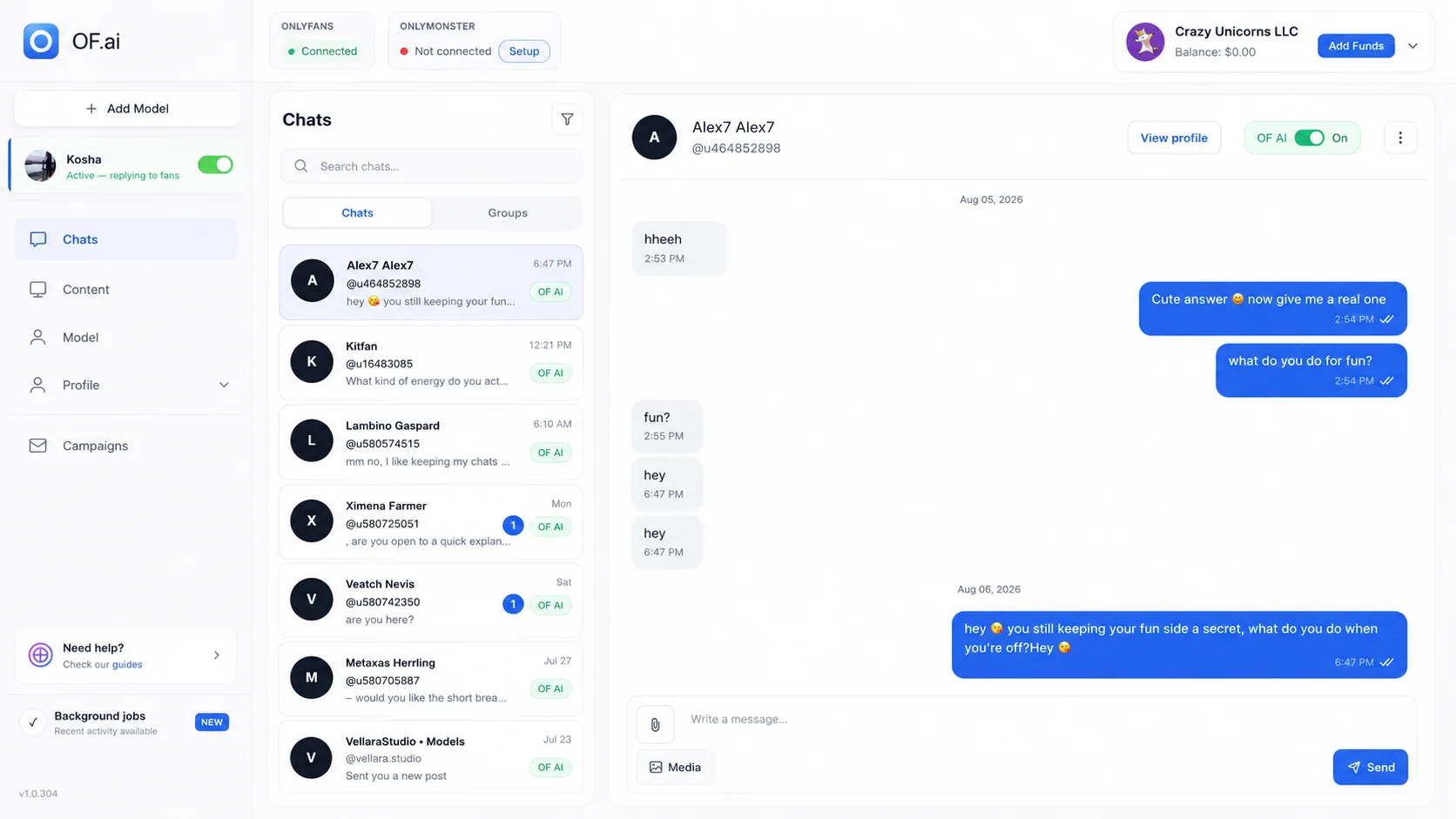
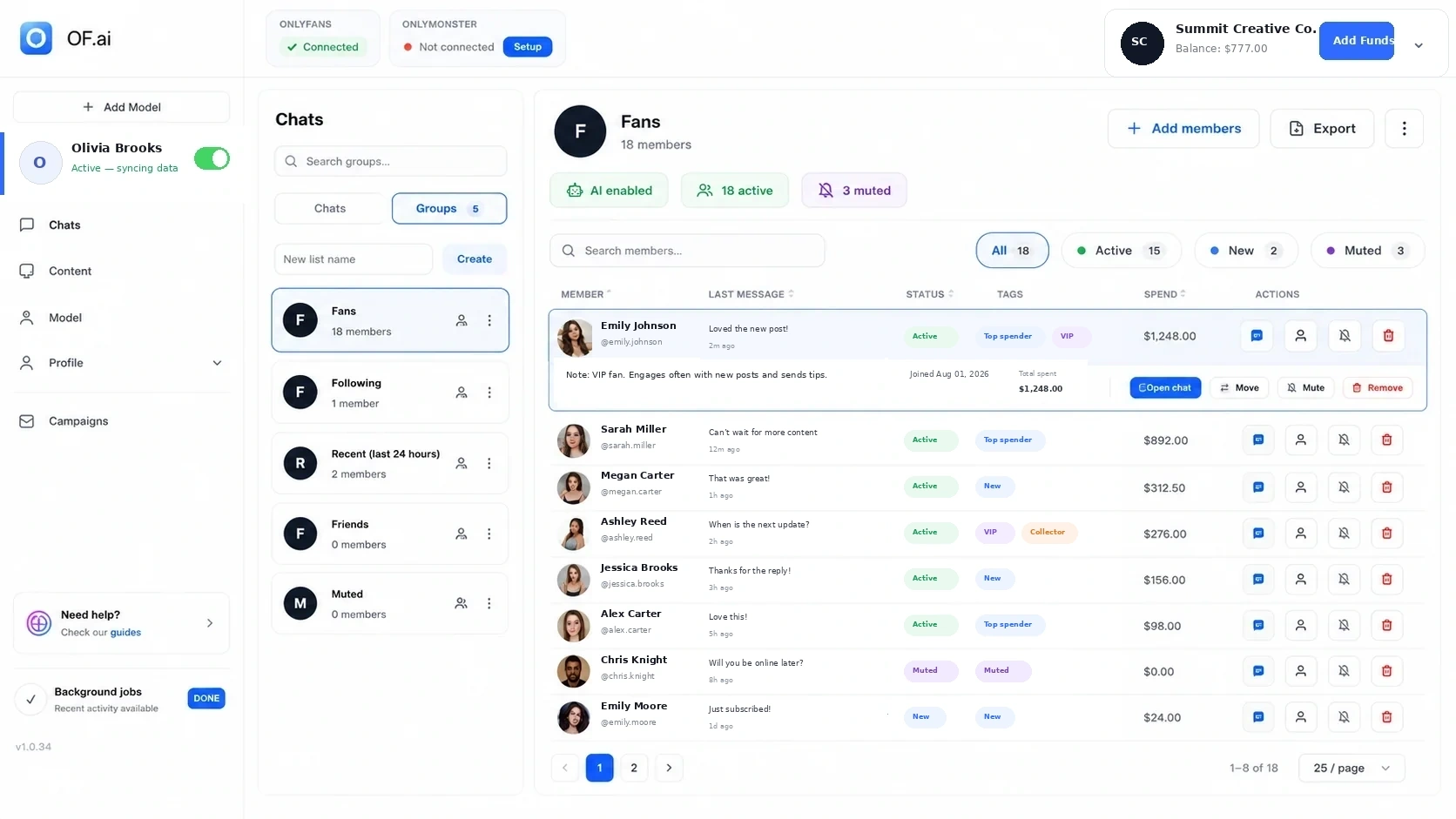
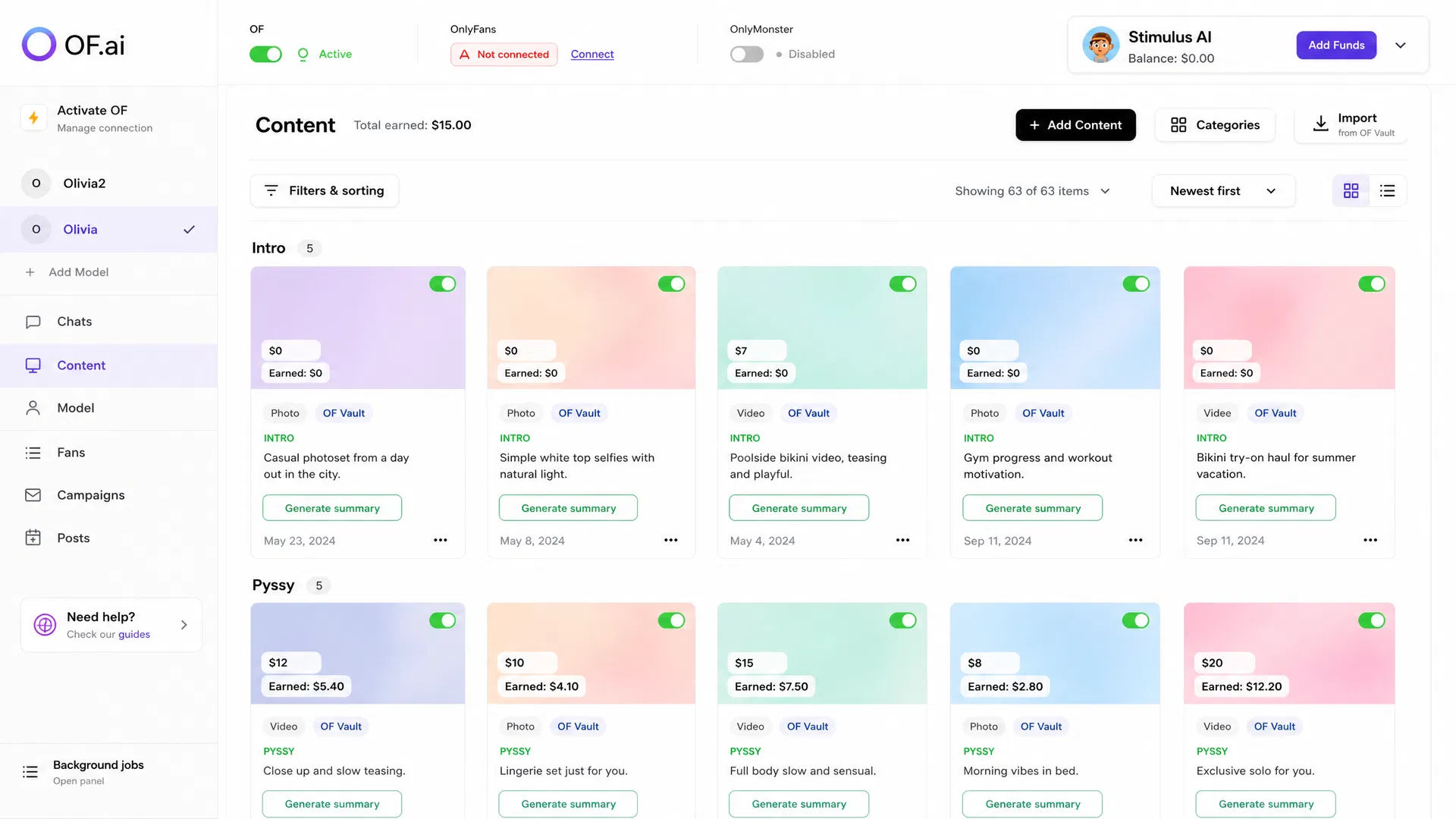
- Choose tools by the bottleneck they remove, not by feature count.
- Keep fan context, approved content, chat rules, and human takeover close to the conversation when they depend on each other.
- Measure new review, correction, and handoff work instead of assuming consolidation automatically saves time.
- Pilot one creator workflow before replacing tools the team already relies on.
Which OnlyFans Tools Do You Need? Start With the Workflow That Is Breaking
A creator stack usually becomes expensive or confusing because the same context is copied between tools, nobody owns an exception, or operators spend too much time looking for information before they can act. Adding another dashboard does not solve that by itself.
Map the workflow first. Write down which screen the operator opens, what context they need, where approved content lives, who can change a rule, what gets handed to a human, and which metric tells you whether the process improved. That map tells you which category of tool is worth evaluating next.
- Chat coverage and response automation
- Fan history, tags, and notes, plus observable purchase context
- Approved media, descriptions, categories, and configured offers
- Agency handoffs and model separation, permissions, and review ownership
- Reporting that the team can tie back to a real operating decision
- Post scheduling, accounting, payroll, storage, or other specialist work outside the chat operation
OnlyFans Tool Categories: What Each One Should Solve
| Tool category | Useful when | Buyer question |
|---|---|---|
| Chat automation | Repeatable conversation stages consume operator time. | Can I keep human takeover, boundaries, approved content, and review in the same workflow? |
| CRM / fan context | Operators repeatedly reconstruct history or preferences. | Does the context come from observable data, and is missing data shown as missing instead of guessed? |
| Content / PPV operations | The team loses time finding the right approved media or offer details. | Can content, metadata, configured prices, and conversation context stay linked? |
| Agency workspace | Multiple creators create handoff, permissions, and cross-account coordination problems. | Can creator data, rules, content, and ownership stay separated while managers keep oversight? |
| Analytics / reporting | The team cannot explain where workload or outcomes changed. | Can the metric be traced to a workflow decision rather than a vanity dashboard? |
| Scheduling / specialist tools | The problem sits outside fan conversation operations. | Is a focused specialist tool better than forcing this job into the core chat stack? |
Where One Workspace Helps Most
Consolidation is most useful when several steps depend on the same context. A chat operator may need recent conversation history, an explicit fan tag, an approved content item, its configured price, the creator's persona rules, and an escalation path before sending the next message. Keeping those inputs together can remove copy-paste and lookup work.
That is the part of the stack OF.ai is designed to consolidate as a single creator management platform: AI-assisted chat, fan context, approved content, PPV workflow inputs, model-specific configuration, agency controls, and human takeover. The benefit should still be measured against the workflow it replaces; one workspace is only better if the team actually spends less time reconstructing context or repairing mistakes.
What OF.ai Covers — and What It Does Not Need to Replace
OF.ai can act as the operating layer for conversation-centric creator work, but a creator business may still use specialist systems for jobs that do not benefit from living inside the chat workflow. Do not replace a working tool merely to make the stack look smaller.
Keep external systems where they are better suited to the job. The useful architecture is a clear core plus deliberate specialist tools, not a claim that one product should run every part of the business.
| Workflow | OF.ai role | When a specialist may still make sense |
|---|---|---|
| Fan conversations | Staged AI-assisted chat with creator rules, review, escalation, and takeover. | A separate communication tool may remain if another channel or workflow is outside the supported operating scope. |
| Fan context | Conversation history, tags, notes, stated preferences, and available purchase context close to chat. | A broader CRM may remain if the business tracks channels or customer records beyond the creator workflow. |
| Approved content / PPV | Content library metadata and configured offer inputs can sit beside the conversation workflow. | A specialist asset system may remain for production, archival, or cross-platform publishing needs. |
| Agency operations | Model separation, workspace oversight, permissions, review, and handoffs around creator operations. | Payroll, accounting, contracts, HR, and legal systems remain separate specialist responsibilities. |
| Analytics | Operating metrics can be read alongside the workflow they describe. | A BI or finance system may remain useful for company-wide reporting across multiple products or entities. |
Compare Tools by Evidence, Not by a Feature Checklist
A feature name does not tell you whether the workflow is usable. Two vendors can both say 'CRM' or 'automation' while putting very different work on the operator, as AI chatter tools compared from their own pages show. Ask to see the screen, the handoff, the missing-data behavior, the permissions, and the correction path for the exact task your team performs.
For a commercial evaluation — of a chat tool or of agency software for a whole roster — use one representative creator and a short list of jobs. Run the same jobs through the current stack and the candidate stack, then compare operator steps, review minutes, corrections, takeovers, context lookup, and the business measures you already trust.
- Show me how one fan conversation moves from AI to a person and back.
- Show me where approved content and configured offer details come from.
- Show me what happens when fan context is missing or stale.
- Show me how creator accounts and team permissions stay separated.
- Show me the current AI Chatter and AI Sexter pricing before I redesign the workflow around the product.
- Show me which metrics are observed and which labels are inferred.
Solo Creator vs Agency: The Stack Should Change With the Operating Model
| Decision area | Solo creator | Agency |
|---|---|---|
| Primary pain | Repetitive work without losing direct control. | Coordination, separation, permissions, QA, and handoffs across models. |
| Tool count | Fewer integrated tools may be easier to operate. | Consolidate shared workflows, but keep specialist systems where teams need them. |
| Human review | The creator may review sensitive conversations directly. | Review ownership and escalation need explicit roles. |
| Content context | One creator library and persona are simpler to govern. | Each model needs separated content, persona, boundaries, and fan context. |
| Measurement | Compare personal time and corrections before and after. | Compare the same workload and quality definitions across representative models. |
A Safer Way to Change the Tool Stack
Do not remove several existing tools on day one. Pick one creator and one workflow where the current process is clearly painful. Record the baseline, configure the candidate stack, and run it with enough human review to see the failure modes before expanding scope.
If the new stack moves work rather than removing it, count the moved work. More corrections, more exceptions, or more manual cleanup belong in the evaluation even when the software automates the visible step. Replace the old tool only after the new workflow proves it can carry the responsibility your team actually needs.
- Choose one creator and one bounded workflow.
- Record current operator steps, review time, corrections, and handoffs.
- Configure fan context, content, rules, permissions, and escalation.
- Review early conversations and document every failure mode.
- Compare total workload and trusted outcomes with the same definitions.
- Expand or retire old tools only after the replacement responsibility is proven.
FAQ
What are the most useful OnlyFans tools?
That depends on the bottleneck. Chat automation helps when repetitive conversation work is the problem; CRM helps when context is fragmented; content tools help when approved media and offer details are hard to coordinate; agency software helps when model separation, permissions, QA, and handoffs become the constraint.
What does an OnlyFans AI tool actually do?
An OnlyFans AI tool uses AI for one part of the account's work. In OF.ai that part is the conversation: the AI answers fans in the creator's persona with each fan's context, can offer approved content at configured prices with AI Sexter, and hands any thread to a person. It does not run accounting, payroll or production — those stay with specialist tools.
Do I need a separate CRM, chat tool, and content tool?
Not necessarily. If those workflows depend on the same fan and creator context, one operating workspace can reduce lookup and handoff work. Keep specialist tools where they solve a job the core workspace does not need to own.
Can OF.ai replace my entire creator tool stack?
Do not assume that. OF.ai can consolidate conversation-centric workflows such as chat, fan context, approved content, PPV inputs, review, and agency coordination, while accounting, payroll, legal, production, archival, or cross-platform systems may remain separate.
Which tool should a solo creator add first?
Start with the bottleneck that consumes the most repeated work or creates the most avoidable mistakes in your own operation. Measure that workflow before buying another tool instead of following a universal order from somebody else's business.
How should an agency compare OnlyFans tools?
Use one representative model and compare the same real jobs: chat handoff, fan-context lookup, content selection, permissions, QA, escalation, and reporting. Count review and correction work as well as the automated steps.
Should I choose the platform with the most features?
No. A larger feature list is useful only when the features remove work your team actually has. Prefer observable workflows, clear ownership, human takeover, understandable pricing, and a pilot that can be compared with the current process.
Can I test OF.ai before changing the rest of my stack?
Yes. Start with one model and a bounded workflow, keep the existing systems available during the pilot, and expand only after the new workflow meets your quality and operating requirements.
Are there free OnlyFans tools?
Some. OF.ai's AI Chatter, which answers fans in the creator's voice with fan memory and human takeover, is free forever on the first model of an account. Selling approved content, PPV offers and campaigns is AI Sexter, which is paid.
Is it safe to connect third-party tools to an OnlyFans account?
Ask every vendor the same questions: is your password stored, which network address does the account's traffic leave from, who can read the conversations, and can you switch the tool off for one fan. OF.ai answers them on its security page; the account's own terms stay the creator's responsibility.
AI Chatter for OnlyFans.
Start free. Stay free.
Let AI chat with your fans 24/7 using your persona and tone of voice. Keep human control and upgrade only when you want AI selling. Free on the first model of your account; additional models use AI Sexter.