OnlyFans Chat Automation for Repeatable Inbox Work
If your team repeats the same welcome chats, follow-ups, content searches, and configured offers all day, the first goal is not to automate every message. It is to move the repeatable part of the inbox into a supervised workflow. OF.ai keeps fan context, conversation stages, approved content, per-fan AI controls, and human takeover in one place so operators can automate gradually and still see what is happening.
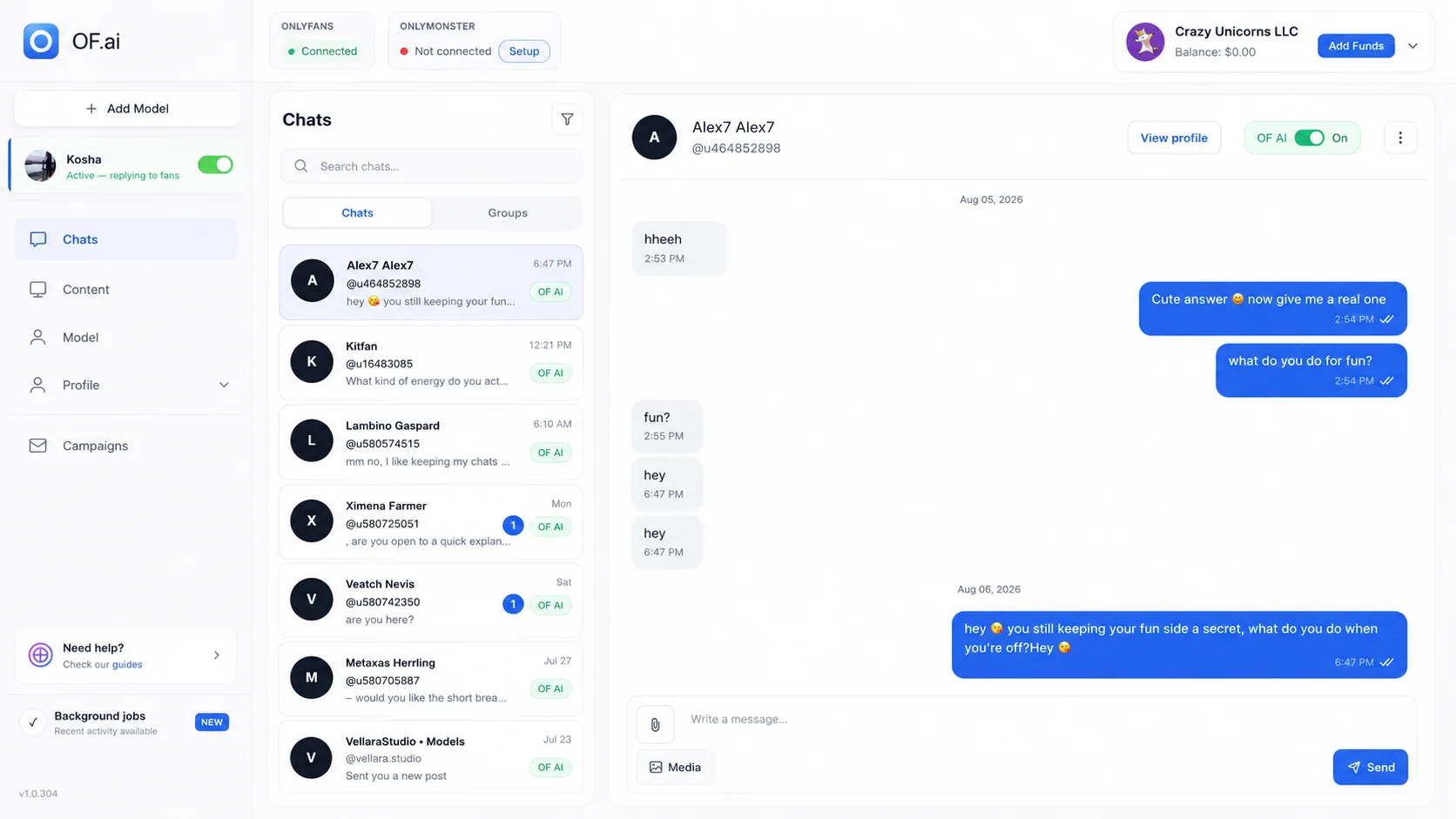
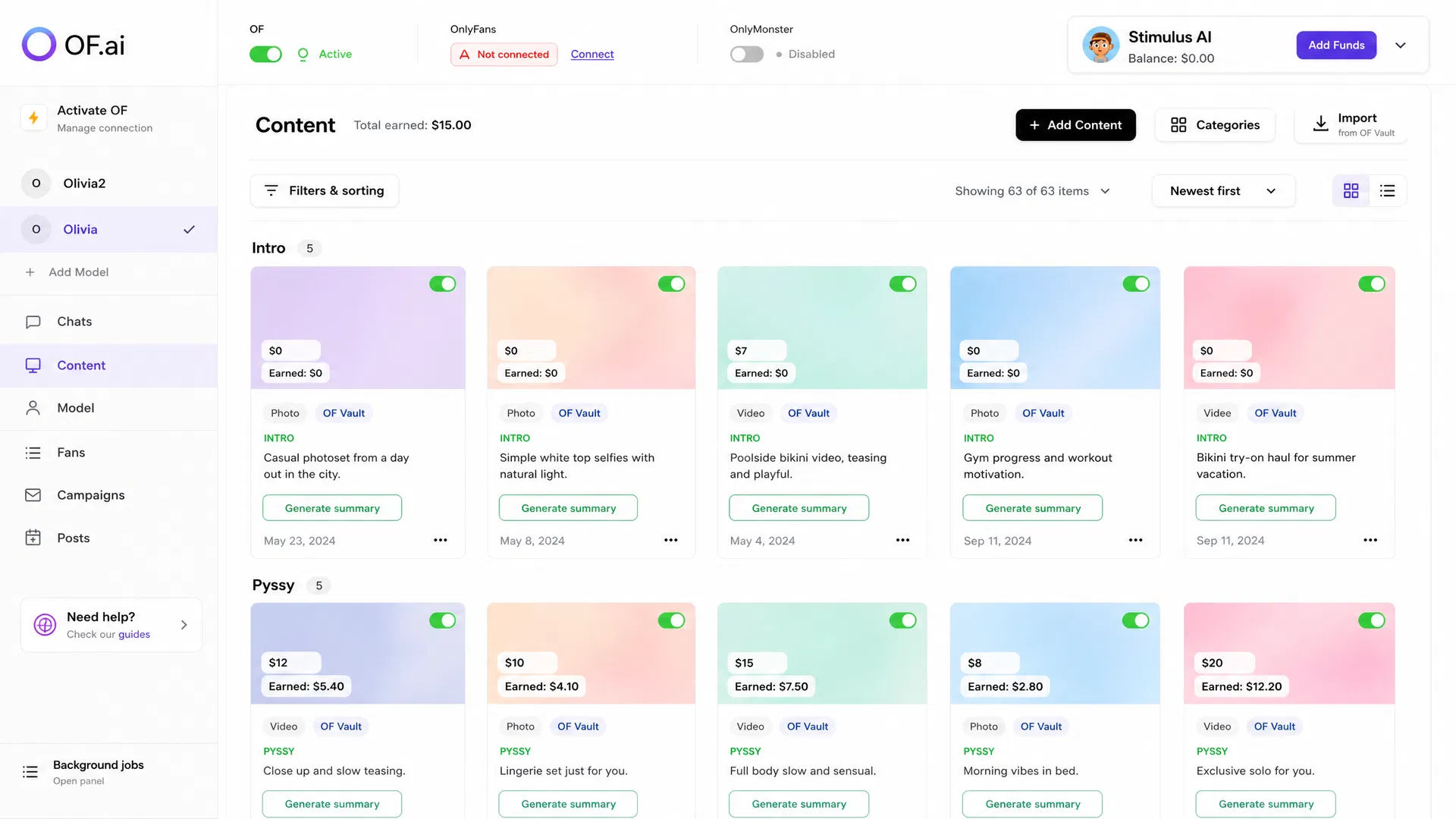
- Start with repeatable welcomes, follow-ups, content discovery, and configured offers
- Keep fan history and model-specific rules next to the conversation
- Leave selected fans manual or take over a thread at any point
- Measure corrections, takeovers, review time, and commercial outcomes before expanding
What to Automate First
Good first candidates are frequent, structured, and easy to review: initial replies, routine follow-ups, approved-content discovery, common questions, configured offers, and re-engagement workflows. The more predictable the task, the easier it is to define a useful quality bar.
Do not begin with the hardest conversations. Sensitive requests, unusual situations, high-value negotiations, or anything that depends on nuanced judgement should stay easy to escalate to a person while the workflow is being proven.
What the Operator Sees
- The current fan conversation and available history
- The creator-specific persona, boundaries, and conversation-stage instructions
- Approved content and configured metadata available to the workflow
- Per-fan AI on/off control and human takeover
- The same conversation context after a human takes over
- A clear place to review corrections before changing the workflow
Human Control Is Part of the Automation
A useful automation system does not make the operator disappear; it makes operator attention more deliberate. Teams should be able to see which conversations are automated, stop automation for one fan, take over a thread, and change the underlying rules without affecting every conversation at once.
That control is especially important during rollout. Review real conversations, classify why edits or takeovers happened, and update persona, stage, content, or escalation rules before increasing coverage.
A Pilot Scorecard
| Metric | Why track it | What it tells you |
|---|---|---|
| Chat coverage | Shows how much of the target workflow is actually being handled | Whether automation is improving operating coverage |
| Corrections | Captures replies that needed human edits or rejection | Where instructions or boundaries are weak |
| Takeovers | Shows where a person still needs to own the conversation | Which fan segments or stages should remain manual |
| Review minutes | Makes supervision cost visible | Whether automation reduced work or shifted it |
| Your sales metrics | Connects workflow changes to outcomes you already trust | Whether the pilot is useful enough to expand |
When Not to Expand Automation Yet
- Correction reasons are repeating and the underlying rules have not been fixed
- Managers cannot explain why a conversation was escalated or taken over
- Approved-content or permission rules are still producing mistakes
- Review workload is growing faster than the manual work being removed
- Commercial outcomes or quality measures are below your own baseline
Map the Inbox Before You Automate It
Before expanding chat automation, write down the stages the team already performs manually. For each stage, define the trigger, the context required to act, the allowed action, the stop condition, and the person who owns exceptions. This turns automation from a broad promise into an operating map that can be reviewed conversation by conversation.
The map also exposes missing prerequisites. If a follow-up requires a known purchase, an approved asset, or a configured price, the workflow should be able to verify that input before acting. If it cannot, the stage is not ready for unattended execution and should stop for review.
| Workflow stage | Required input | Stop / escalation rule |
|---|---|---|
| Welcome | Known new-subscriber event plus creator-approved opening guidance | Stop if required context is missing or the fan is manual-only |
| Routine follow-up | Known prior stage and configured timing rule | Stop after reply, takeover, sensitive topic, or explicit suppression |
| Content offer | Approved asset, metadata, and configured price | Escalate when the offer or eligibility is unclear |
| Re-engagement | Observable inactivity rule and eligibility | Respect frequency limits and manual exclusions |
Turn Corrections Into Configuration Work
A corrected reply is useful only if the team records why it was corrected. Separate tone problems from missing fan context, wrong conversation stage, content mismatch, stale offer data, unclear creator rules, and cases that should have escalated earlier. Repeated categories tell you which source instruction needs to change.
This is the difference between supervising automation and endlessly editing it. The goal of review is to reduce repeated failure modes over time while keeping a clear manual path for situations that remain judgement-heavy.
- Tag the correction reason before changing the generated text.
- Fix the source rule, content metadata, or stage definition when the same reason repeats.
- Sample ordinary automated conversations as well as escalations.
- Keep review minutes in the operating-cost calculation.
FAQ
What percentage of chats should I automate?
There is no useful universal percentage. Start with a narrow repeatable workflow and expand only after corrections, takeovers, review load, and your own outcome metrics are acceptable.
Can I keep specific fans under manual control?
Yes. AI can be disabled per fan, and an operator can take over a thread without changing the automation setting for every other conversation.
How does the system know what content it can use?
Use approved content, explicit metadata, and configured rules as part of the workflow. Review the content path during the pilot before expanding automation.
Does chat automation remove human review?
No. Human review and takeover are part of the operating model, especially during rollout and for sensitive, unusual, or high-value conversations.
What should I measure during a pilot?
Measure chat coverage, corrections, takeovers, review minutes, response-time distribution, and the commercial outcomes you already track on the same account or comparable cohort.
How do I know a chat stage is ready for automation?
A stage is a better candidate when its trigger, required context, allowed action, quality bar, and stop rule are explicit enough that an operator can review them consistently. Keep ambiguous stages manual until those controls are defined.
Next step
Automate One Repeatable Chat Workflow
Connect one model, keep human review on, and test this workflow against your own baseline.