OnlyFans Agency Chat Management for Multi-Model Teams
Agency chat management is not one big inbox. It is a control problem across different creators, fan histories, content libraries, operators, rules, and exceptions. OF.ai is designed to keep those contexts separated while giving managers one place to see where a model needs review, where a human has taken over, and which workflow is creating correction or handoff work.
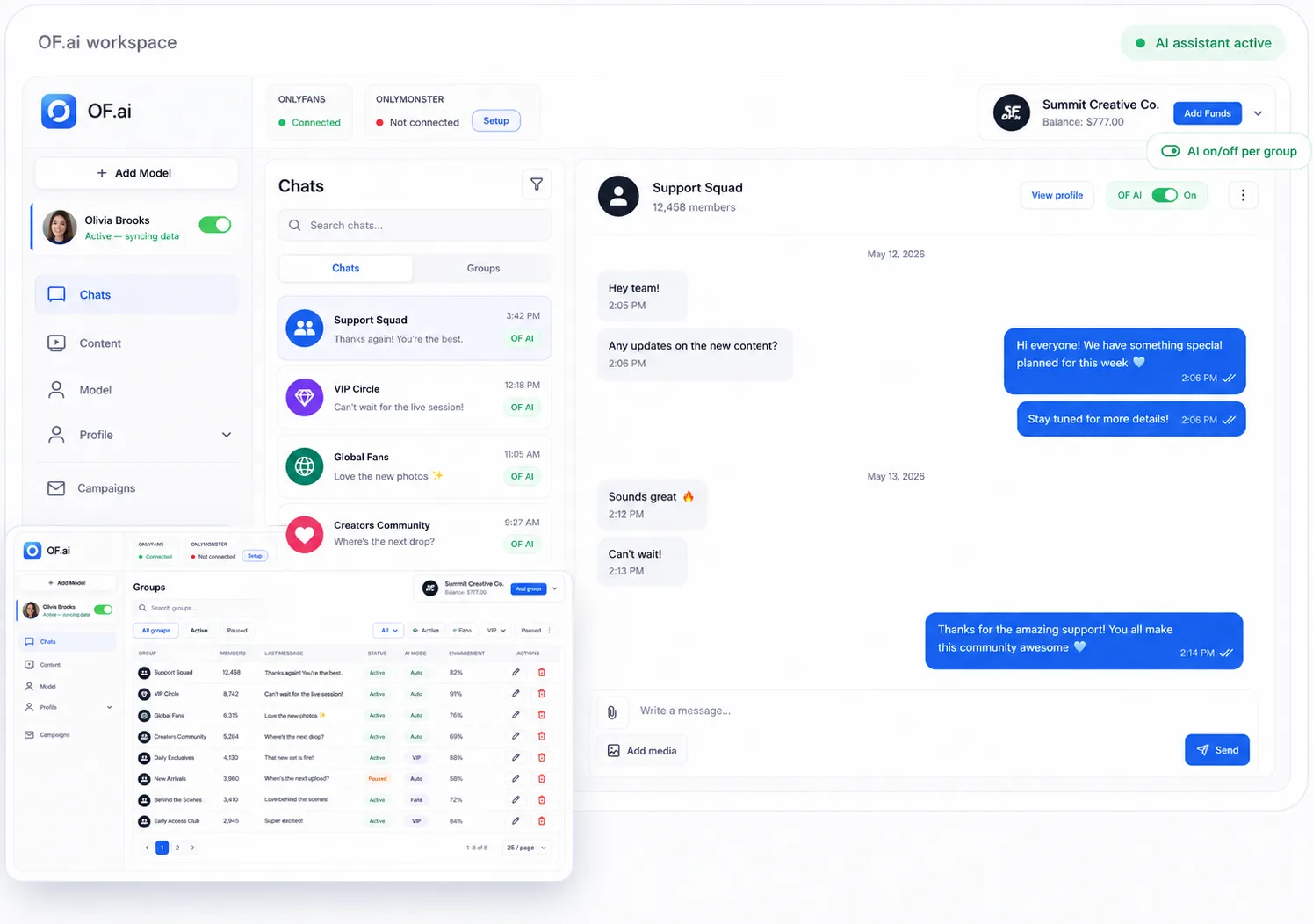
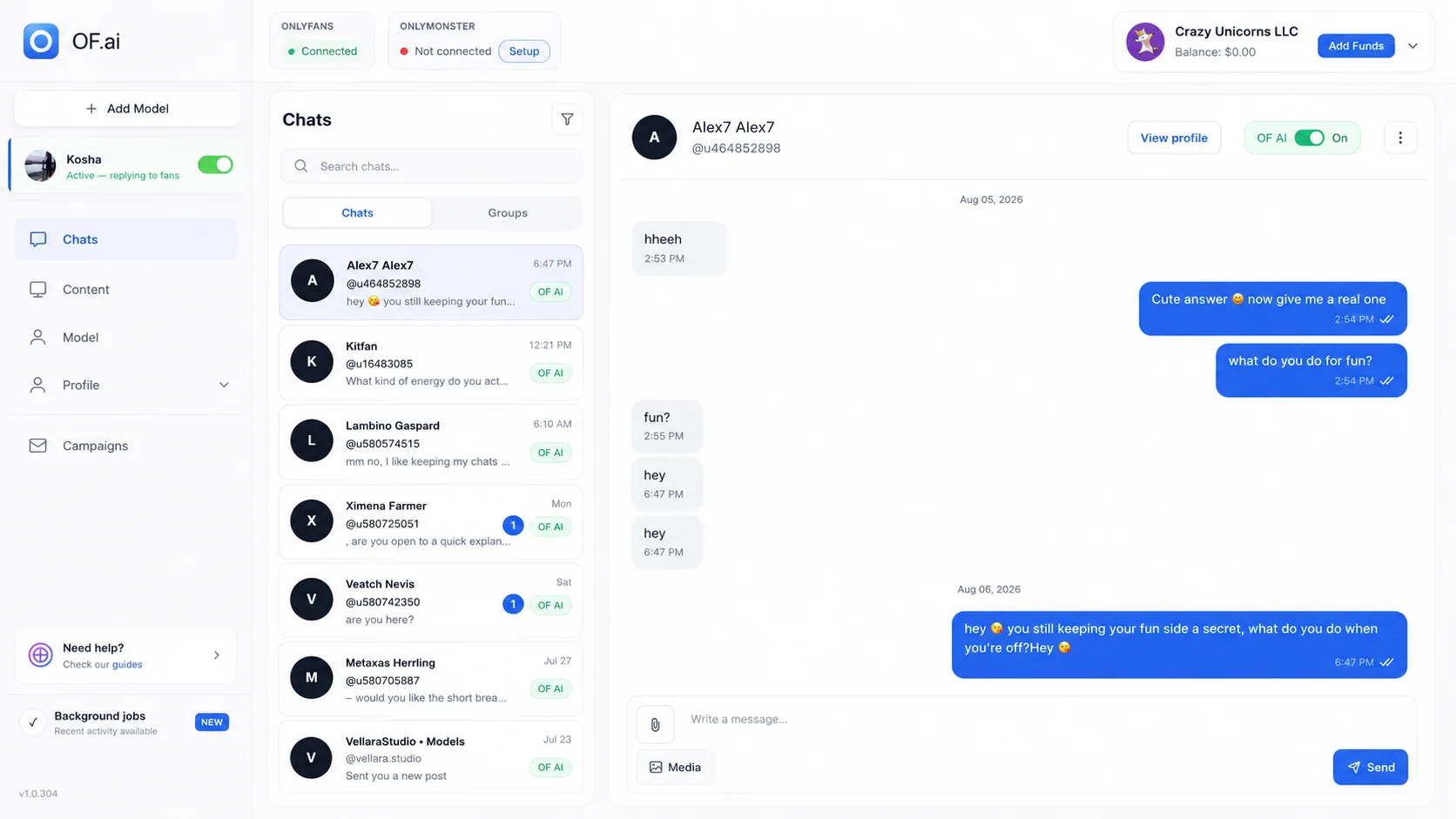
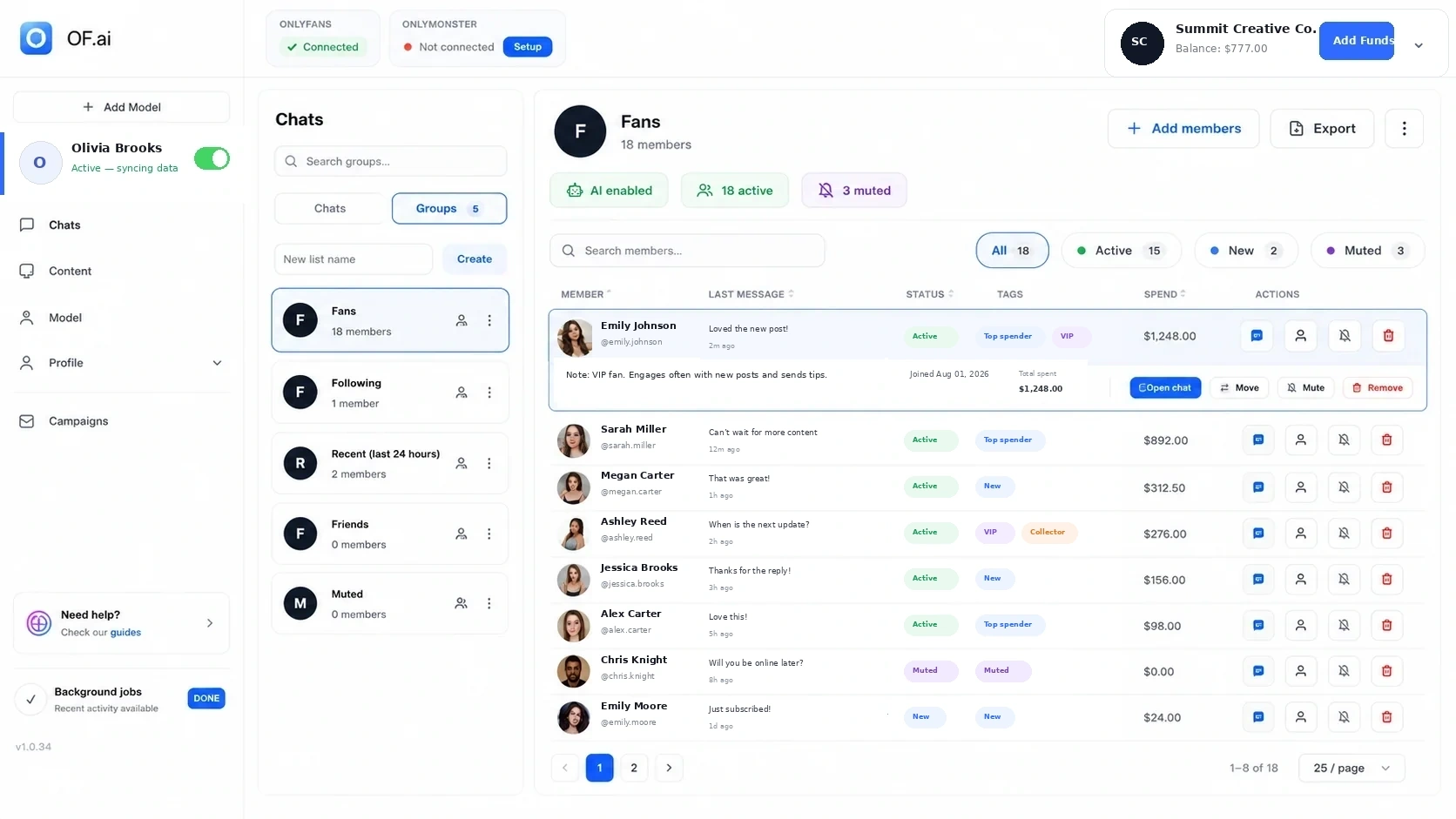
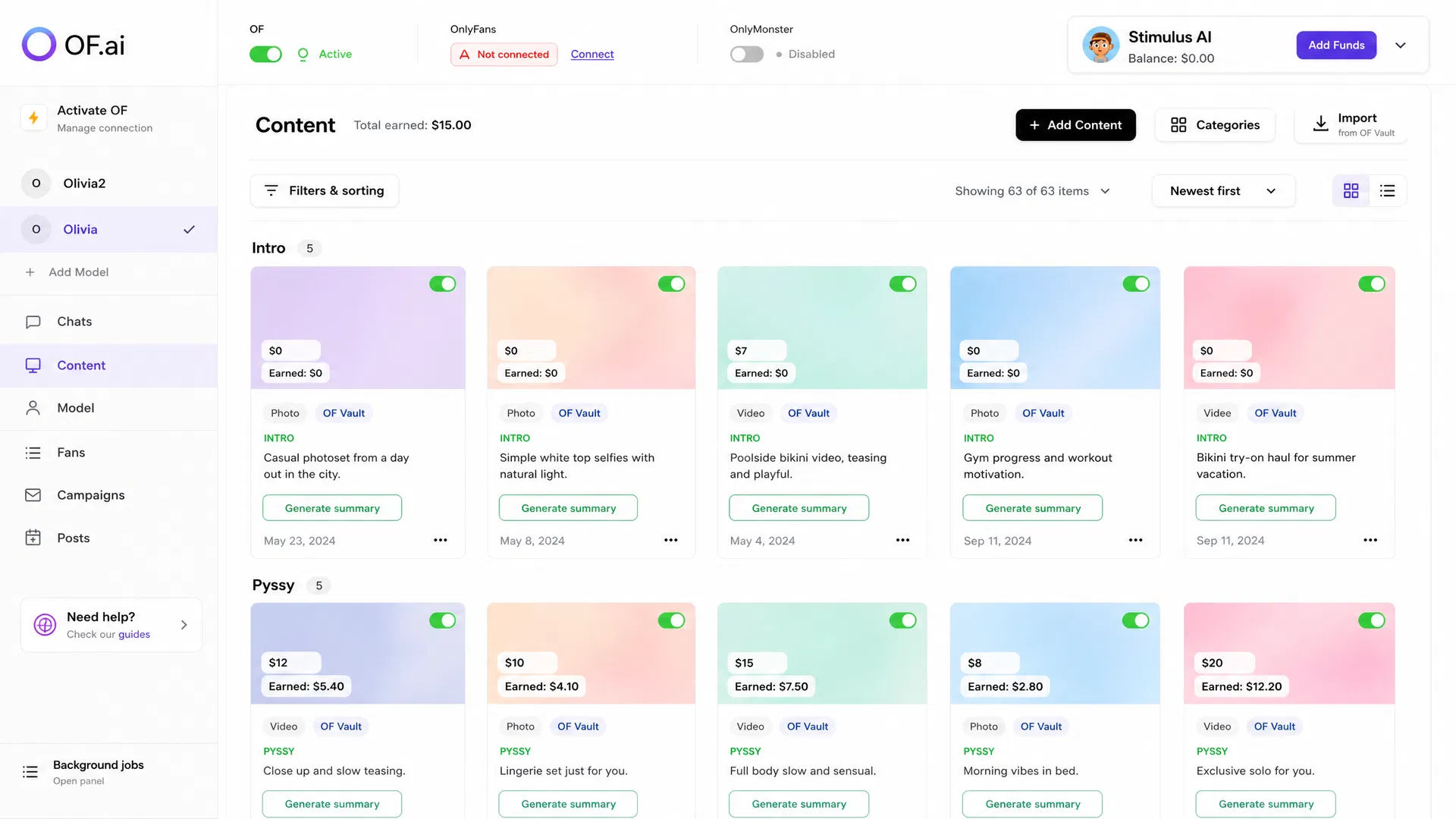
- Keep each model's persona, fan context, approved content, offers, and permissions separated.
- Route exceptions into a manager review loop instead of making managers read every conversation.
- Make ownership visible when work moves between AI, operator, senior reviewer, and creator.
- Pilot one representative model and measure review minutes, corrections, takeovers, handoffs, and cross-model mistakes before expanding.
The Manager Needs an Exception Queue, Not Another Inbox
When an agency grows, the manager's job should not become reading every thread. The useful management view is the set of conversations and workflow states that need judgement: missing context, repeated corrections, manual-only fans, sensitive topics, unusual requests, content or pricing questions, and cases where ownership is unclear.
A good exception queue makes the reason visible before the manager opens the thread. That lets the team review the highest-value operating problems first while ordinary conversations continue under the rules already approved for that creator.
- Conversation needs human takeover
- Required fan or offer context is missing
- Reply was corrected or rejected
- Creator-specific rule or boundary may be involved
- Approved content or configured price needs confirmation
- Ownership or escalation has been unresolved too long
Define Ownership Across AI, Operator, and Manager
The expensive agency failure is often not a bad sentence; it is a handoff nobody owns. Define who is responsible for each stage before automation expands. AI-assisted steps can handle configured repetitive work, operators can own active conversations and first-line review, and managers can own policy, QA, repeated failure patterns, and sensitive escalation.
Ownership should survive the handoff. When a person takes over, the thread should retain the available fan context, creator rules, promoted content, recent actions, and the reason the workflow escalated so the operator is not reconstructing the case from several systems.
| Workflow state | Primary owner | What the next person needs |
|---|---|---|
| Configured routine stage | AI-assisted workflow or assigned operator | Creator rules, available fan context, approved content, and explicit offer inputs. |
| Normal review / correction | Operator | Draft, source context, correction reason, and the ability to keep the fan manual. |
| Sensitive or unclear case | Senior operator or manager | Full thread context, creator boundary, previous actions, and escalation reason. |
| Repeated failure pattern | Manager | Correction categories across conversations plus the configuration or source guidance responsible. |
| Creator-only decision | Creator or designated owner | A concise summary of the unresolved decision without losing the underlying thread. |
Keep Every Model's Context Separated
A multi-model workspace is useful only if one creator's data cannot silently become another creator's context. Persona instructions, fan records, approved content, configured prices, boundaries, team access, and review ownership should remain model-specific even when managers use one portfolio view.
Separation also makes QA easier. If a wrong asset, tone, or offer appears, the team can trace the failure to a specific model configuration instead of treating the agency as one shared prompt and content pool.
| Context layer | Keep separate by model | Manager question |
|---|---|---|
| Persona and boundaries | Tone, examples, prohibited topics, escalation rules | Can the manager see which rules governed this reply? |
| Fan context | Conversation history, notes, tags, available purchases, stated preferences | Is missing data shown as missing rather than filled by another source? |
| Approved content | Media, descriptions, categories, configured prices | Can an operator confirm the source before sending? |
| Permissions | Who can view, edit rules, review, or take over | Can access be changed without opening every other model? |
| QA history | Corrections, takeovers, exception reasons | Can repeated failures be traced to the right creator workflow? |
A Multi-Model QA Loop That Can Actually Scale
QA should produce a smaller future review queue, not just a pile of manager comments. Classify corrections by cause: missing fan context, unclear creator guidance, wrong conversation stage, content mismatch, offer-rule problem, tone error, or a case that should have escalated earlier. Then fix the source that caused the pattern.
Sample ordinary conversations as well as obvious exceptions. A workflow can look clean if the manager only sees escalations while routine threads accumulate weaker tone, stale context, or small content mistakes that never trigger a formal review.
- Review a repeatable sample across models and conversation stages.
- Classify the reason for each correction instead of saving only the rewritten sentence.
- Track review minutes as part of operating cost.
- Track takeovers and whether they happened at the right point.
- Track cross-model mistakes separately because they indicate a separation failure.
- Change rules or source data when the same correction category repeats.
What a Manager Should See at Portfolio Level
Portfolio reporting should help a manager decide where to look next. Compare the same definitions across models: response coverage, response-time distribution, corrections, review minutes, takeovers, unresolved exceptions, and trusted commercial outcomes. Then drill into the creator context before copying a workflow from one model to another.
One portfolio average can hide very different operating problems. A model with more takeovers may have a more complex conversation mix rather than a worse workflow. Use cross-model metrics to find questions, then inspect the underlying configuration and conversation samples before changing policy.
Permissions and Offboarding Are Part of Chat Operations
Agencies change operators, managers, contractors, and responsibilities over time. Give each person the minimum access required for the role, keep model access separated, document who can change automation and offer rules, and remove access when responsibilities change.
The same applies to integrations. Verify what the connected system can read or change, who can export content or fan data, and what audit information is available. Security should be evaluated from actual permissions and operating practice rather than a broad marketing label.
Run a One-Model Agency Control Pilot
Choose one model that represents the agency's real workflow but is still reviewable. Record the current ownership map, tool switching, review workload, corrections, handoffs, takeovers, and any cross-model mistakes before changing the system. Then configure the creator rules, approved content, context, permissions, and escalation path in OF.ai and compare the same definitions.
Expand only when the control loop works: ordinary work stays within quality standards, exceptions reach the right person with enough context, repeated errors become configuration fixes, and manager review does not grow faster than the workload being automated.
| Pilot signal | What to record | Decision question |
|---|---|---|
| Review minutes | Manager and operator time spent checking or repairing the workflow | Did management work fall, rise, or move? |
| Corrections | Count plus reason category | Are the same causes repeating? |
| Takeovers | Why and when a person took ownership | Did escalation happen before the workflow guessed? |
| Handoffs | Ownership changes and unresolved cases | Did the next person receive enough context to continue? |
| Cross-model mistakes | Wrong persona, content, rule, or account context | Is creator separation working in practice? |
| Commercial outcomes | The offer, purchase, or retention measures the agency already trusts | Did the tested workflow stay inside the business standard using the same definitions? |
FAQ
What is OnlyFans agency chat management software?
It is software for coordinating multi-model conversation operations: separate creator context, fan records, approved content, team permissions, review, escalation, human takeover, and portfolio-level operating metrics.
How should an agency keep model accounts separated?
Keep persona rules, fan context, approved content, configured prices, permissions, and QA history scoped to each creator. A manager can use one portfolio view without turning creator data into one shared context pool.
What should managers review?
Prioritize exceptions and representative QA samples: missing context, corrections, sensitive cases, takeovers, unresolved ownership, content or offer questions, and repeated failure categories. Ordinary conversations still need sampling so silent quality drift is visible.
How many operators does an agency need with AI-assisted chat?
There is no universal staffing formula. Team size depends on message volume, conversation complexity, review standards, takeover rate, coverage expectations, and the stages kept manual. Measure actual workload during a supervised pilot before changing staffing.
Can a human take over one fan without disabling the whole model?
Yes. Per-fan control and human takeover should let the team keep a specific conversation manual while other configured workflows continue under that creator's rules.
How should an agency measure QA?
Track review minutes, correction categories, takeovers, unresolved handoffs, cross-model mistakes, and representative conversation samples. Use the same definitions across models, then inspect creator-specific context before changing a workflow.
Can we test one creator before rolling out agency-wide?
Yes. A one-model pilot makes ownership, exception handling, review workload, and separation failures easier to inspect before the same control loop is expanded to more creators.
Next step
Connect One Agency Model and Test the Control Loop
Connect one model, keep human review on, and test this workflow against your own baseline.