OnlyFans Chat Management Tool for Teams That Need Inbox Control
As an agency grows, the inbox becomes a management problem before it becomes a typing problem. Managers need to know what happened before a shift change, which fans need attention, what the AI is allowed to do, what content is approved, and when a person should take over. OF.ai brings those controls into one chat workflow so operators, managers, and automation work from the same conversation context instead of separate tabs and handoff notes.
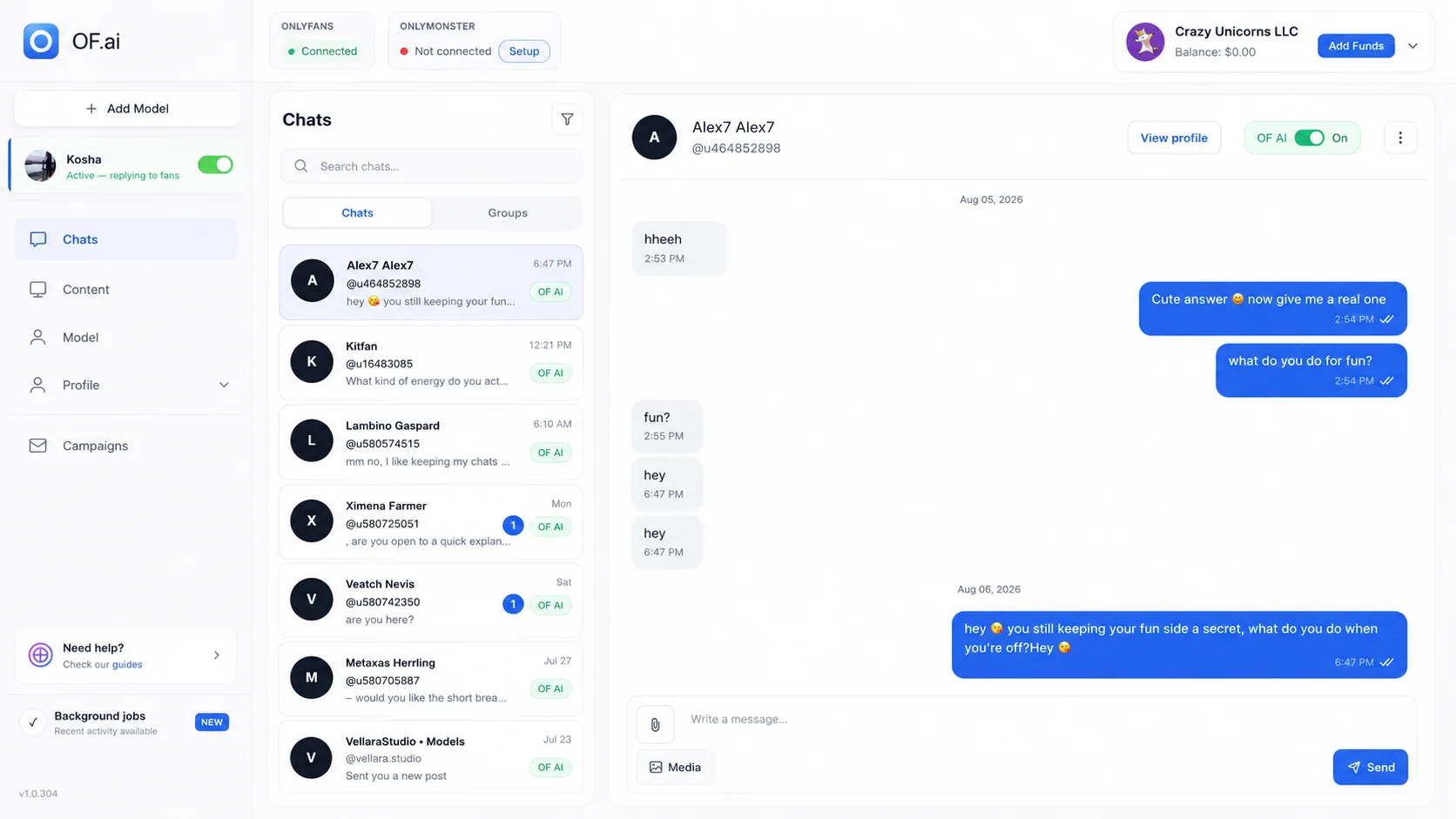
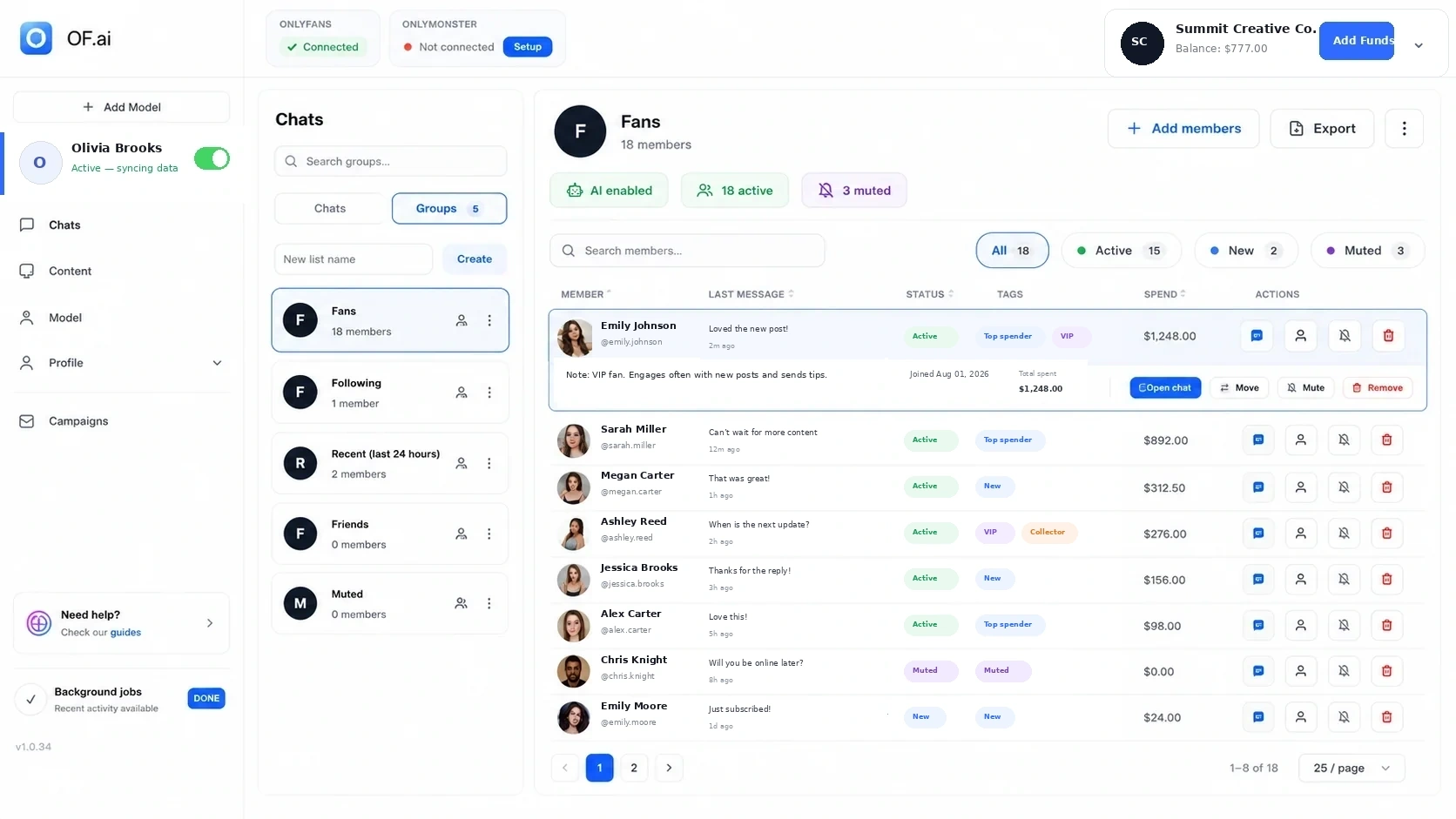
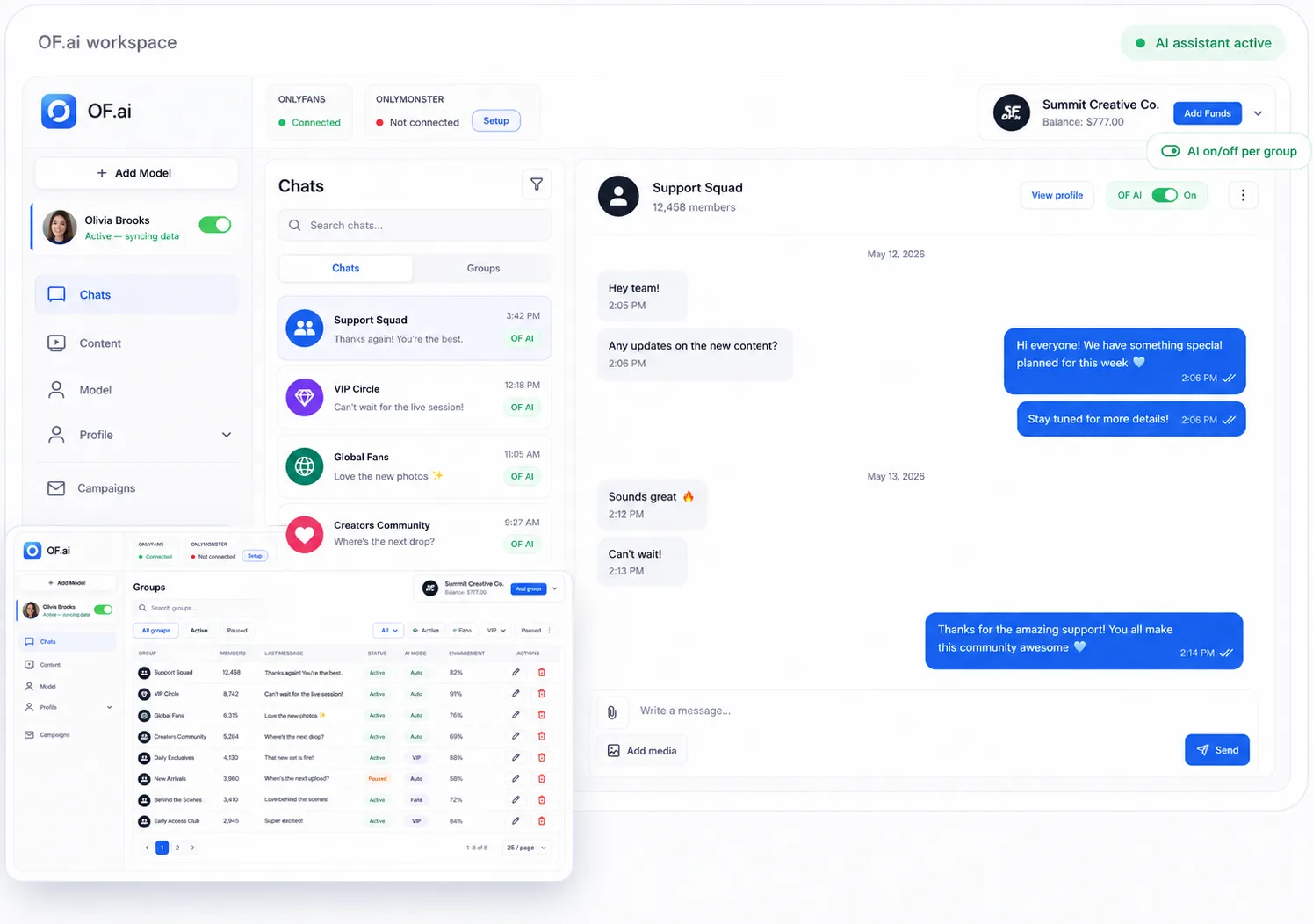
- Keep the conversation, fan context, and approved content in one operator view
- Make AI use visible and controllable per fan instead of hiding automation behind the inbox
- Preserve context when a person takes over or another operator continues the thread
- Pilot with one model and measure missed follow-ups, corrections, takeovers, and review workload
The Real Cost of a Fragmented Inbox
More chatters do not automatically create more control. Handoffs can lose context, managers spend time reconstructing what happened, content can live in a separate library, and an automated reply is difficult to supervise if it is invisible from the same operating view.
A chat management tool should reduce those coordination gaps. The operator should see the thread, relevant fan context, available approved content, and whether AI is active without leaving the workflow used to answer the fan.
What Belongs in the Operator View
- Current conversation and available fan history
- Creator-specific persona, boundaries, and workflow instructions
- Fan tags, purchases, and stated preferences where available from the integration
- Approved content and configured offer metadata
- Per-fan AI on/off control and human takeover
- Enough continuity for another operator to understand the thread after a handoff
What Belongs in the Manager View
Managers need different information from chatters. They need to see where corrections repeat, which situations trigger takeovers, whether review load is growing, and whether a model's workflow needs a rules change rather than another coaching message to the team.
Use those signals to improve the underlying workflow before expanding automation. The goal is not to maximize AI usage; it is to make routine work predictable while keeping exceptions visible.
A One-Model Inbox Pilot
| Track | Why it matters | What to change |
|---|---|---|
| Missed or delayed follow-ups | Shows whether work is falling between shifts or queues | Ownership, reminders, or workflow scope |
| Corrections | Shows where replies do not meet the team's quality bar | Persona, stage, boundary, or content rules |
| Human takeovers | Shows where judgement is still required | Escalation rules or manual-only segments |
| Review minutes | Makes management overhead visible | Automation scope and QA cadence |
| Your sales measures | Connects inbox changes to outcomes the business already trusts | Whether to expand, revise, or stop the pilot |
When a Chat Management Tool Is a Better Buy Than Another Standalone Bot
If the team already has enough raw message generation, adding another isolated bot may create one more system to supervise. A management layer is more useful when the bottleneck is context, handoffs, content access, visibility, and control across operators and models.
That distinction matters for agencies: software should make the operating process easier to inspect, not just add another source of replies.
A Good Handoff Has Four Pieces of Context
A shift change should not require the next operator to reread an entire relationship from zero. The handoff needs enough structured context to explain where the conversation is, who owns it, why it needs attention, and what should happen next.
| Handoff field | What the next operator needs |
|---|---|
| Conversation state | The current stage, recent promise, offer, or unresolved question |
| Owner | The operator or manager responsible for the next action |
| Reason | Why the thread is manual, escalated, corrected, or waiting |
| Next action | What should happen next and any relevant timing or stop condition |
Build an Exception Queue, Not Another Dashboard
Managers do not need another screen that treats every conversation as equally urgent. The useful management layer surfaces exceptions that require judgement while routine work continues under the approved creator workflow.
Exception reasons should be understandable before a manager opens the thread. That makes repeated problems visible and helps distinguish a one-off fan situation from a rule that needs to change across the workflow.
- Missing or conflicting fan context
- Manual-only or sensitive conversation
- Unclear content or offer eligibility
- Repeated correction in the same workflow stage
- Follow-up without a clear owner or stop condition
FAQ
Can human chatters and AI work in the same inbox workflow?
Yes. The point of the workflow is to keep the same conversation context visible while AI is active, a person takes over, or another operator continues the thread.
Can I turn AI off for an individual fan?
Yes. AI control is per fan, so selected threads can remain manual without disabling the workflow everywhere else.
How do managers know what to fix?
Review repeated correction reasons, takeover reasons, missed follow-ups, and review workload. Fix the underlying persona, stage, content, or escalation rule before expanding automation.
Does this replace a CRM?
Chat management and CRM overlap around fan context, but they answer different questions. The chat tool focuses on operating the conversation; the CRM focuses on organizing fan context, segments, and follow-up across the relationship.
How should an agency evaluate the tool?
Run one model through a supervised pilot and compare inbox coverage, handoff quality, corrections, takeovers, review time, and the commercial metrics you already use.
What should happen at a shift change?
The next operator should inherit the conversation state, current owner, reason for any exception, and the next action without reconstructing the thread from separate notes. Measure whether handoffs reduce searching and missed follow-ups during the pilot.
Next step
Connect One Model and Run an Inbox Pilot
Connect one model, keep human review on, and test this workflow against your own baseline.