OnlyFans Content Scheduling: A Feed That Does Not Depend on Your Week
Scheduling exists because creating and publishing have different rhythms. Content arrives in bursts — a shoot, a weekend, a good idea — and a feed needs to be fed steadily. The gap between those two is where most accounts go quiet for a fortnight and then post six times in a day.
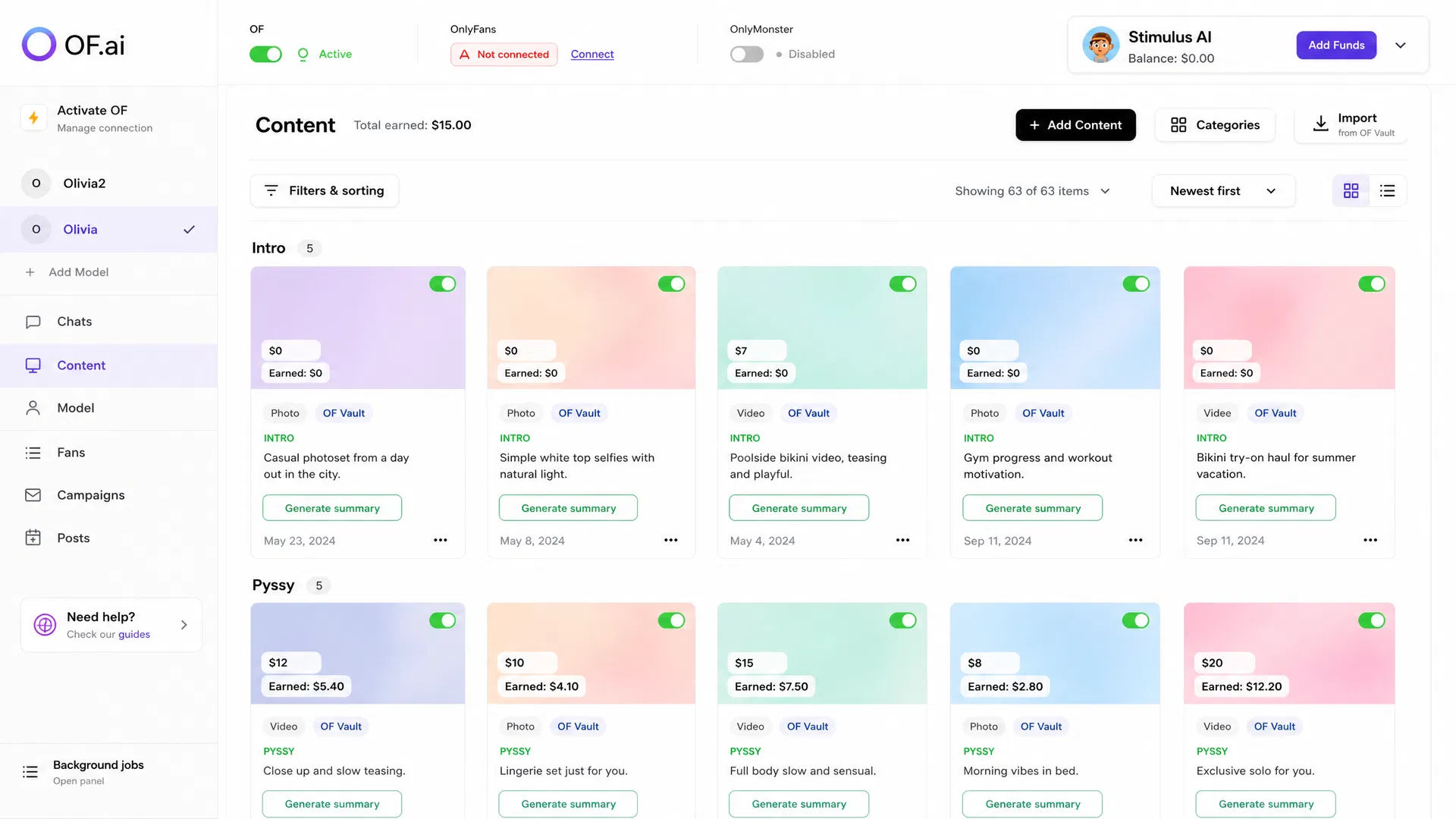
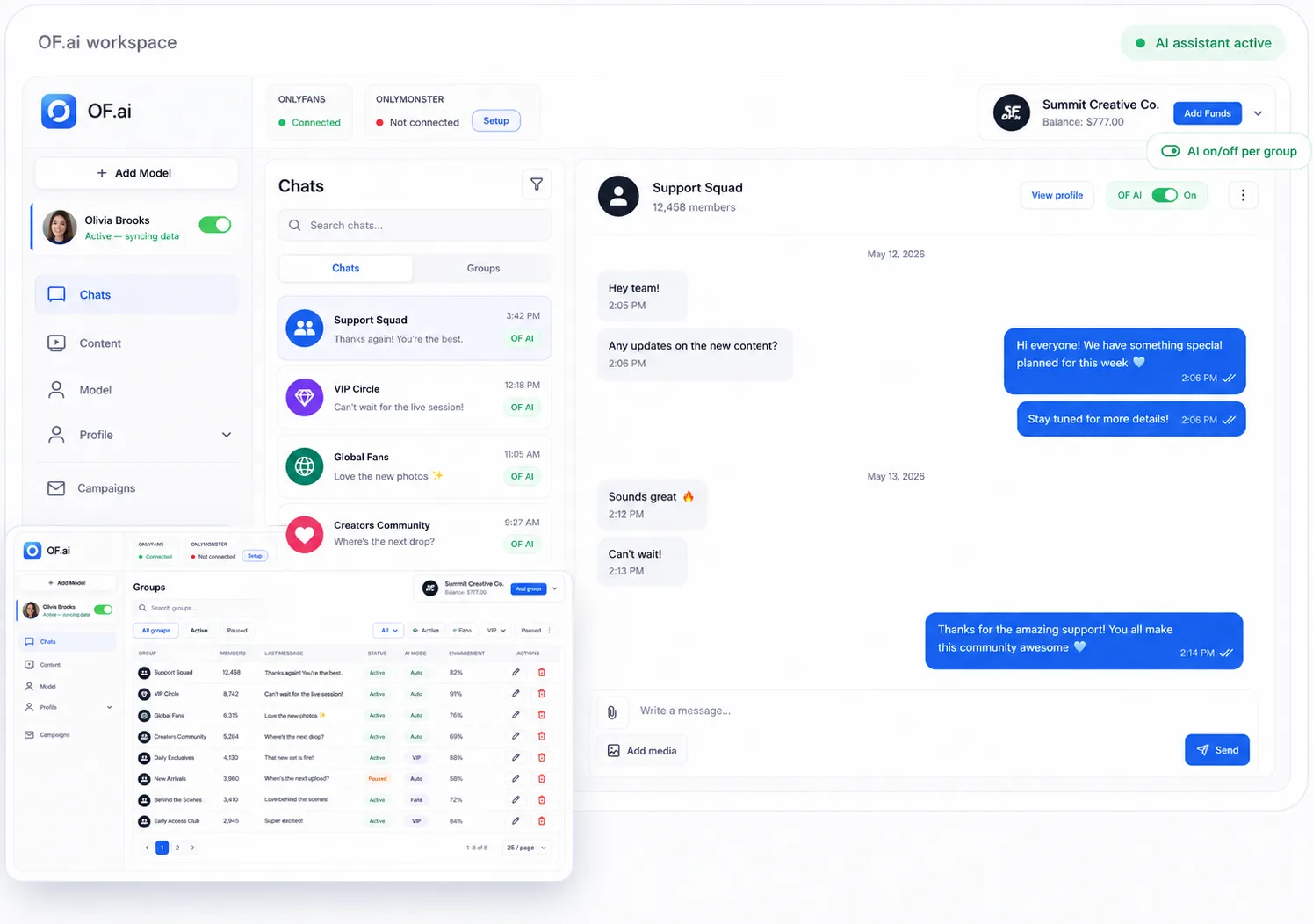
- A steady feed decoupled from when you shoot
- Content eligibility checked before anything is published or sent
- Campaigns respect segments and exclusions
- Replies handled while you are away, not queued for later
What Scheduling Actually Solves
It solves one thing well: the feed going silent because you were busy. That is worth having — an account that posts unpredictably teaches subscribers to stop checking, and once they have stopped, a good post reaches fewer of them than a mediocre one would have a month earlier.
It does not solve the harder problem, which is that a post reaches everyone at once while a conversation reaches one person. Scheduling keeps the feed alive; it does nothing about the inbox, and on most accounts the inbox is where the money is.
A Scheduled Send Is One Nobody Is Watching
This is the part worth being careful about. When you schedule something, you are deciding now about a moment that has not happened yet — and by the time it fires, the fan list will have moved, the content library will have moved, and you will be somewhere else.
Confirm the segment and the exclusions at the time you schedule, not just the copy. A scheduled campaign that reaches a fan who was blocked in between is not a scheduling bug in anyone's tool; it is the ordinary consequence of deciding early and not re-checking.
The same applies to who answers. A scheduled post or broadcast produces a burst of replies at a moment you chose for other reasons, and if nobody is covering it the schedule has generated exactly the silence it was meant to prevent.
Content Rules Apply to Scheduled Sends Too
Every file in OF.ai carries where it came from and whether it has been cleared — imported from the account's own OnlyFans vault, uploaded manually, verified, awaiting review, or approved by a reviewer. Only cleared files can leave the platform.
That check runs before the file is copied anywhere, and it applies identically to a message in a conversation, a bulk campaign and a scheduled send. It is worth confirming in any tool where scheduling was added after chat, because a gate with an exception is not a gate — and the exception is usually the path added last.
Planning Around What You Actually Have
The useful input to a schedule is your library, not a calendar template. What exists, what has already been sent and to whom, what is priced and categorised, and what is still waiting for review — those four facts decide what next week can contain, and none of them lives in a scheduling tool that only knows about dates.
When the library and the schedule are the same system, "post something Thursday" becomes a question with an answer. When they are separate, it becomes a reminder to go and find something, which is the state most creators are already in.
What to Measure
- Days with no post at all, before and after — the gap scheduling exists to close
- Engagement by posting time, on your own account rather than by published advice
- Replies generated per scheduled send, and whether anybody covered them
- Content sitting unreviewed, which is capacity you already paid for
- Unsubscribes in the days following a scheduled campaign
FAQ
What is the best time to post on OnlyFans?
The honest answer is that your own account already knows and a published figure does not. Engagement by hour varies with where your subscribers are and what they follow, so measure a few weeks of your own posts rather than adopting a schedule from a guide written about somebody else's audience.
How often should I post?
Consistently more than frequently. An unpredictable feed teaches subscribers to stop checking, and that is harder to reverse than a slightly lower cadence. Pick a rhythm you can hold in a bad week rather than one you can hit in a good one.
Does scheduling handle my messages too?
No, and that distinction matters. Scheduling keeps the feed alive; the inbox is a different problem, because a post reaches everyone at once while a conversation reaches one person. On most accounts the inbox is where the revenue is.
What if I schedule content that has not been reviewed?
It will not be sent. Files carry a trust state and only cleared ones can leave the platform, with the check running before the file is copied anywhere — the same rule for a scheduled send, a campaign and a message typed by hand.
Can a scheduled campaign reach someone I blocked afterwards?
Exclusions are applied when it sends, not when it was created, so a fan blocked in between is excluded. It is still worth re-checking the segment before a large scheduled send, because the list will have moved in other ways too.
Who answers the replies a scheduled post generates?
Decide before scheduling rather than after. A burst of replies at a moment chosen for other reasons is the normal outcome, and if nobody is covering it the schedule has produced exactly the silence it was meant to prevent. The assistant can take it, with escalation for anything unusual.
AI Chatter for OnlyFans.
Start free. Stay free.
Let AI chat with your fans 24/7 using your persona and tone of voice. Keep human control and upgrade only when you want AI selling. Free on the first model of your account; additional models use AI Sexter.