OnlyFans Automation ROI: Build the Business Case From Your Baseline
Automation ROI is not a promised revenue uplift. It is the measured difference between two operating models after you count software, staffing, setup, review, corrections, and any change in business outcomes using the same definitions. Start with one creator, freeze the baseline, and let the pilot show whether automation removes work, moves work, or creates enough value to justify its total cost.
- Separate operating-cost change from revenue change so one does not hide the other.
- Count review, corrections, handoffs, setup, and exception handling as automation cost.
- Define attribution and success criteria before the pilot starts.
- Calculate payback only from measured net benefit — not a vendor benchmark.
Start With a Baseline You Can Reproduce
Before changing the workflow, record what the current chat operation costs and how it performs. Use a representative period and write down the metric definitions so they cannot drift when the new system is introduced.
The baseline should include both invoices and internal work. A manager reviewing conversations, fixing mistakes, preparing content, answering operator questions, or covering a shift is part of the current operating cost even when that time is not billed separately.
- Staff or contractor compensation tied to the workflow
- Manager and QA time
- Recruiting, onboarding, training, and replacement allocation
- Existing software and operating tools
- Response coverage and queue behavior
- Corrections, handoffs, and incident work
- Commercial measures your team already trusts
The ROI Model: Keep Cost and Business Outcomes Separate
| Layer | What to measure | Why it stays separate |
|---|---|---|
| Current operating cost | People, tools, QA, management, recruiting allocation, and exception work. | This is the cost baseline the alternative must beat or justify. |
| Automation operating cost | Software, usage or revenue-share charges, setup allocation, integrations, review, corrections, and takeovers. | Automation can move work rather than remove it. |
| Cost delta | Current operating cost minus automation operating cost. | A positive cost delta is not automatically profit if business outcomes worsen. |
| Measured outcome delta | Change in revenue, contribution margin, coverage, or another pre-defined business measure. | This captures what changed commercially without confusing it with staffing savings. |
| Net measured benefit | Cost delta plus measured outcome delta, using compatible units and attribution. | This is the numerator for an ROI or payback decision. |
Attribution Rules Decide Whether the ROI Number Means Anything
If the team cannot agree which sales, conversations, and costs belong to the pilot, the final ROI number can be made to say almost anything. Define attribution before launch. Record which fans and conversation stages are in scope, which actions remain manual, and how purchases are assigned when both AI and people touched the conversation.
Do not credit the automation with every purchase that happened while it was enabled. Use the attribution method your operation can actually reproduce, and keep ambiguous cases visible rather than silently assigning them to the preferred outcome.
- Pilot cohort and dates
- Included and excluded conversation stages
- Manual vs automated actions
- How shared AI/human conversations are attributed
- Refunds or reversals when relevant to the business metric
- Configuration changes made during the measurement period
A One-Creator ROI Pilot Scorecard
| Measure | Baseline | Pilot | Interpretation |
|---|---|---|---|
| Operator / creator time | Minutes or hours for the defined workload. | Measure the same workload after automation. | Did work disappear, move to review, or increase? |
| QA and correction time | Current review and repair workload. | Track corrections, escalations, and incident handling. | Lower message-generation time can be offset by more repair work. |
| Coverage / queue behavior | Current response coverage and queue latency definitions. | Use the same definitions in the pilot. | Did the operating service level actually change? |
| Commercial outcome | A trusted revenue or margin measure for the same scope. | Measure with the pre-defined attribution rule. | Was the business change large enough to matter? |
| Total operating cost | Current people + tools + management cost. | Software + setup + review + exceptions + retained people cost. | This is the cost side of the ROI case. |
Calculate ROI and Payback Without Pretending the Future Is Known
Once the pilot produces a measured net benefit, you can express it as ROI relative to the incremental investment or calculate how long the measured benefit would take to recover one-time implementation cost. If net benefit is zero or negative, the pilot has not demonstrated payback.
Run more than one scenario when future volume, staffing, or review needs are uncertain. A conservative case can hold revenue flat and count only measured workload change. A second case can use the measured commercial delta while clearly marking the assumption that it persists. Do not turn the optimistic case into a forecast by removing the label.
- ROI = measured net benefit ÷ incremental investment for the period
- Payback period = one-time implementation cost ÷ measured recurring net benefit per period
- No positive recurring net benefit means no demonstrated payback yet
- Sensitivity analysis should vary the assumptions most likely to change, such as review time or workload volume
What Can Make an Apparently Good ROI Case Fail
The most common failure is counting only the automated step. If response generation gets cheaper but the team now spends more time correcting context mistakes, resolving content problems, reviewing edge cases, or managing a more complicated stack, the true cost improvement is smaller than the headline saving.
The second failure is changing multiple things at once. New pricing, new content, a staffing change, and new automation in the same test can produce a better result while making attribution impossible. Keep the pilot narrow enough that the team can explain what changed.
- Hidden review or correction workload
- Uncounted setup and integration work
- Different audience or time periods between baseline and pilot
- Changes to pricing, content, or staffing at the same time
- Attribution rules changed after seeing the result
- A short sample dominated by a few large purchases or incidents
Use the ROI Result to Choose the Operating Boundary
A pilot does not have to end with 'automate everything' or 'reject automation'. The useful result may be a hybrid boundary: automate routine stages, keep selected fans or scenarios manual, and route sensitive or high-context conversations to a person.
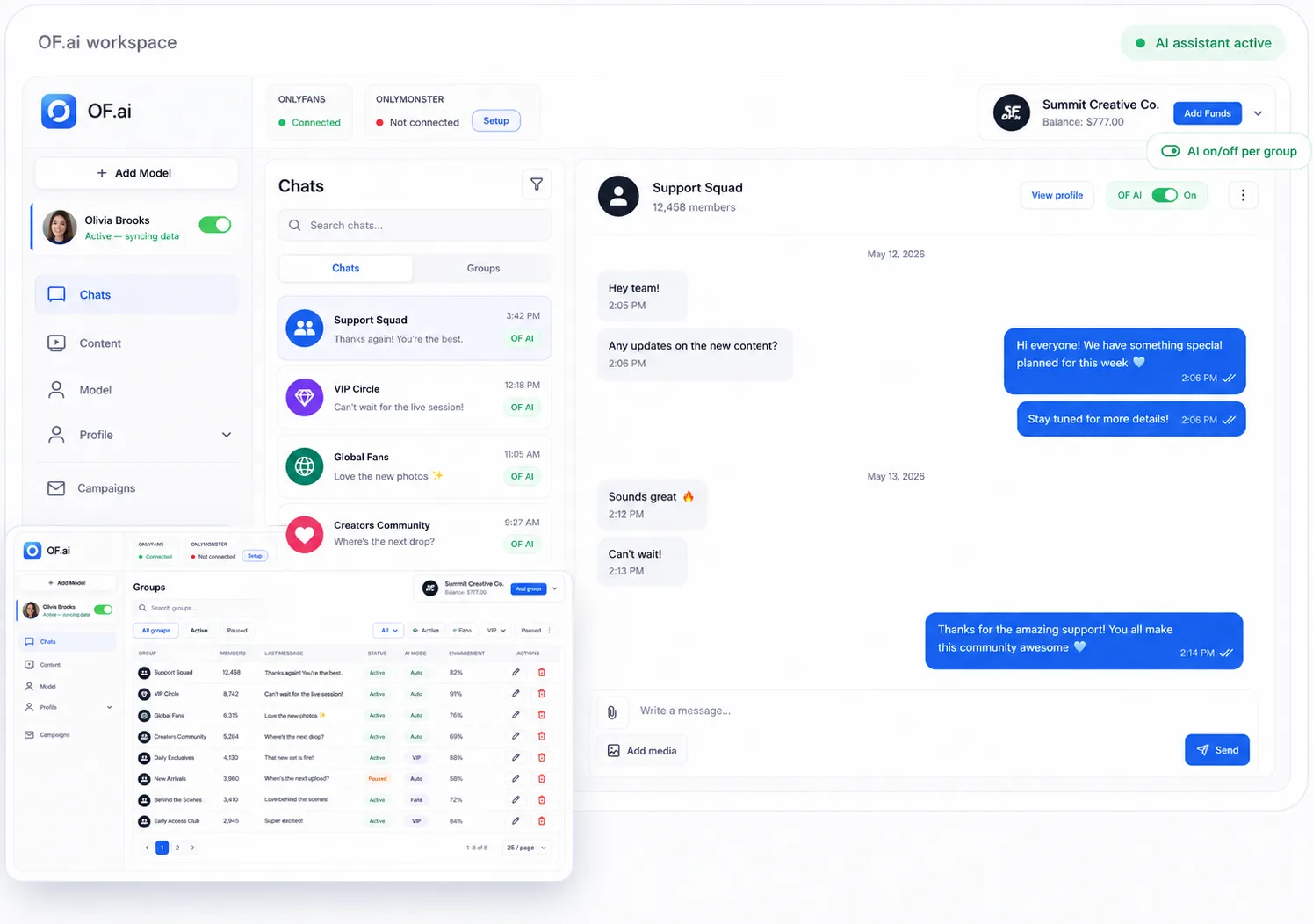
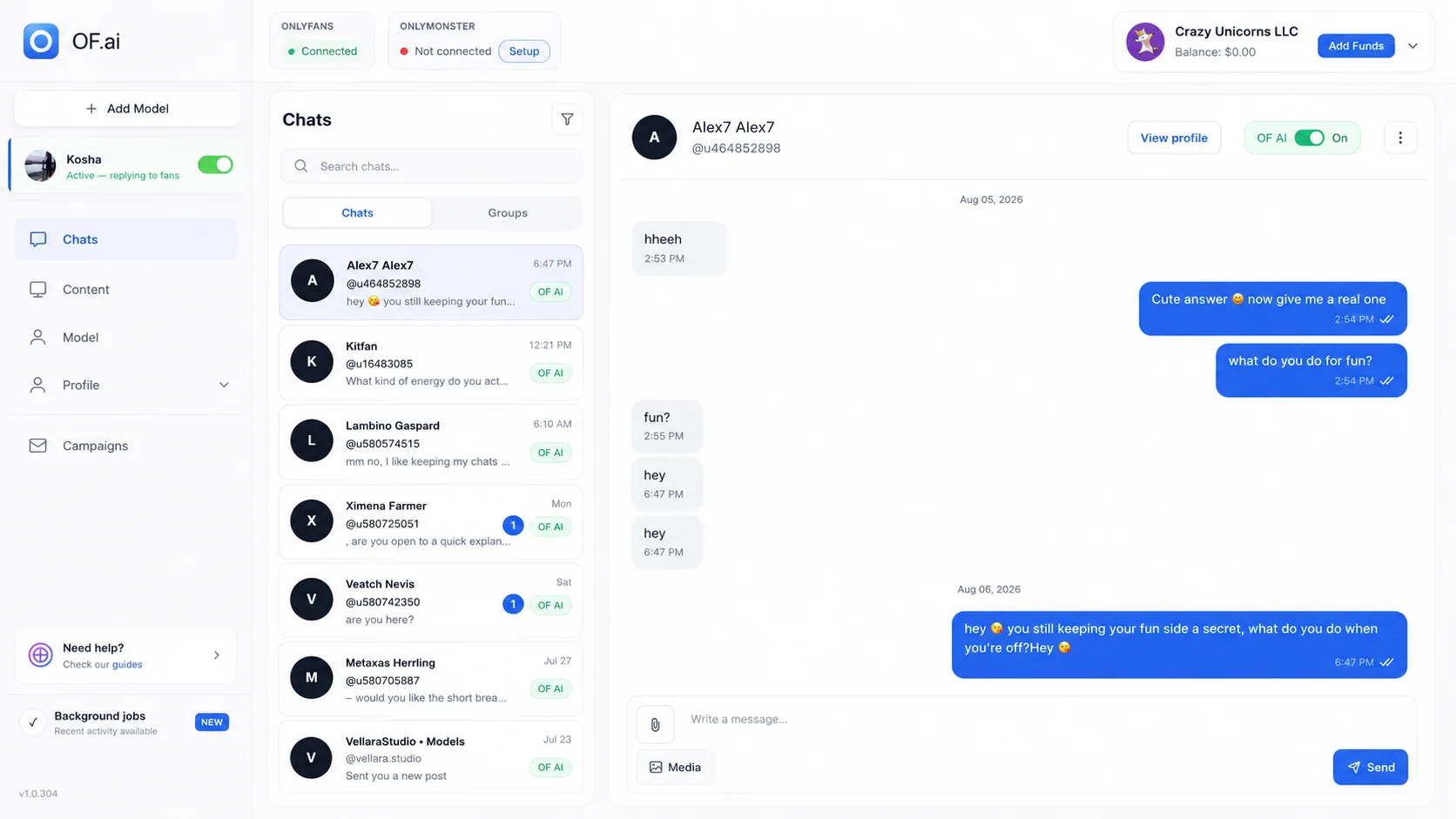
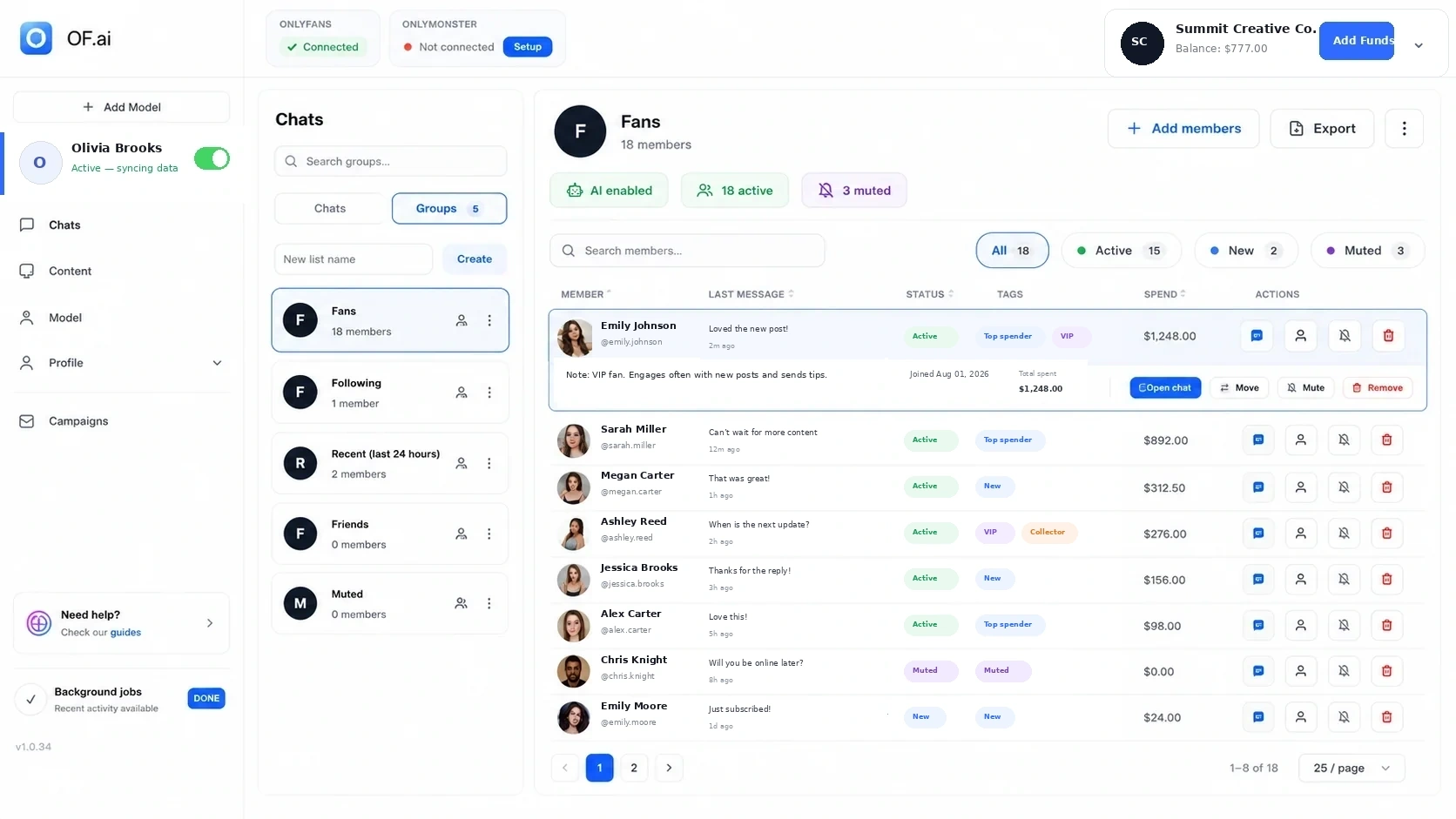
OF.ai supports a supervised rollout with creator-specific configuration, fan context when available, approved content, explicit workflow rules, and human takeover. Use the product evidence on this page to inspect the workflow, then compare the measured result with the baseline before changing staffing or expanding scope.
FAQ
How do I calculate OnlyFans automation ROI?
Measure the current total operating cost, measure the alternative total operating cost, and keep any business-outcome change separate. Combine the measured cost delta and attributed outcome delta only after both use the same scope and period.
How quickly should automation pay back?
There is no universal payback period. Calculate it from your one-time implementation cost and measured recurring net benefit. If the pilot has not produced positive recurring net benefit, it has not demonstrated payback yet.
Should I include human review in ROI?
Yes. Review, corrections, escalations, manual takeovers, setup, integration work, and incident handling are part of the automation operating model and should be counted.
Can I use a vendor's revenue-uplift benchmark in the model?
Use it only as a clearly labeled external assumption if the source and comparability are strong enough for your planning. The buying decision should rely on your own controlled pilot and baseline rather than treating a universal uplift as expected performance.
What if automation lowers cost but also lowers revenue?
Evaluate the net measured effect. A cheaper workflow can still be a worse business decision if the commercial loss exceeds the cost saving.
How many creators should I include in the first ROI test?
One representative creator is usually easier to interpret because audience, persona, content, and operating rules stay consistent. Expand after the team understands review workload and failure modes.
AI Chatter for OnlyFans.
Start free. Stay free.
Let AI chat with your fans 24/7 using your persona and tone of voice. Keep human control and upgrade only when you want AI selling. Free on the first model of your account; additional models use AI Sexter.